03 / AI & WORKFLOW
AI & workflow improvementConnect information, teams and workwith Kintone and AI.
We organize information split across departments and processes that differ from person to person. Together with your team, we design and improve how you share information in Kintone and use AI or automation to reduce repetitive tasks.
01 / START HERE
What workflow challenges can we help with?
Tell us where your current way of working is causing trouble.
The latest information is hard to find
Every status check means searching chats and files or asking the person in charge.
The same data gets entered repeatedly
Copying the same information into different tools takes up working time.
Reviews or handoffs get stuck
It is unclear who should review or take the next step, so work piles up with certain people.
02 / DIGITAL WORKFLOW
Start with how you work. Improve the system behind it.
We walk through the current workflow with the people doing the work. Together we identify what can be handled through configuration and what requires development. You can also discuss changes to how the system is used day to day.
03 / PRACTICE
From scattered information to connected work.
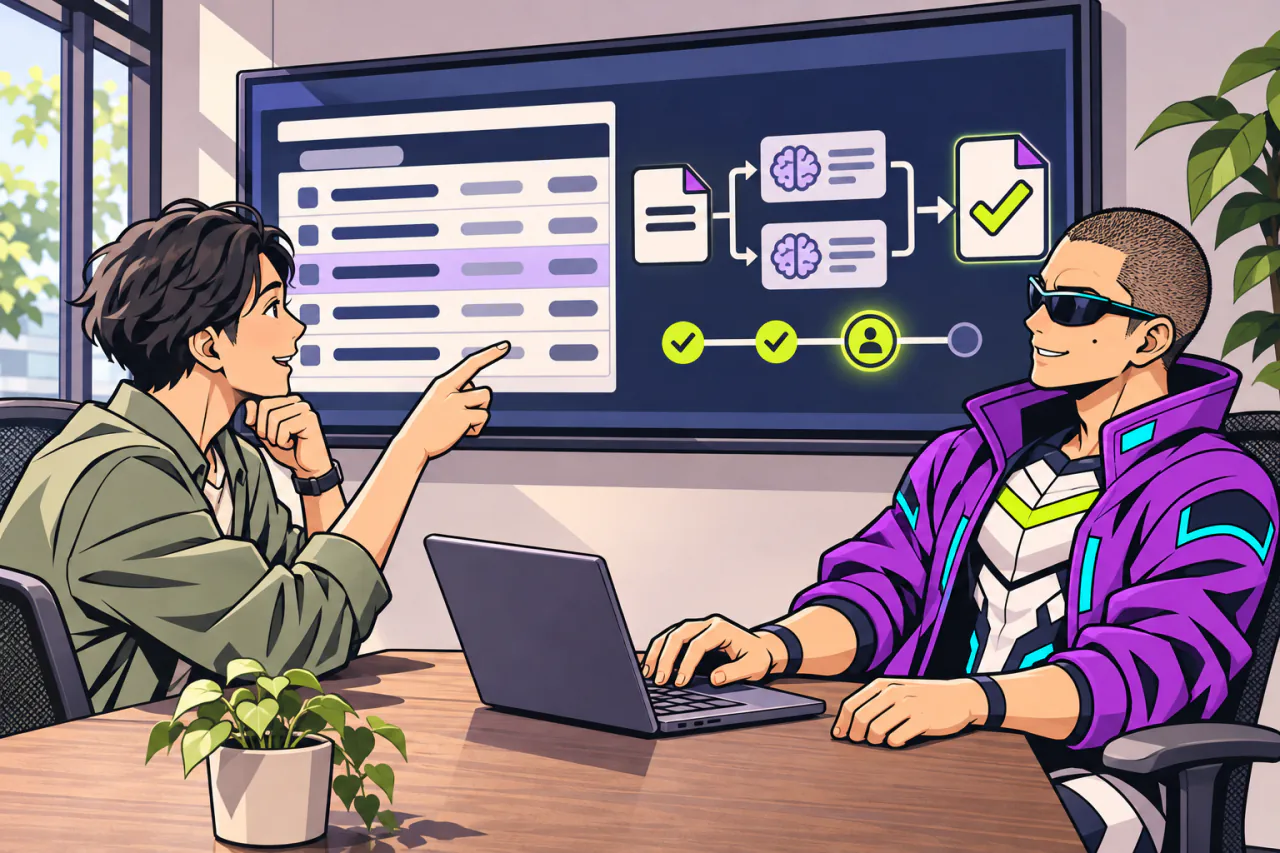
We combine Kintone and AI to improve how people share information, handle everyday tasks and work across roles.

Examples of support
Bring case information together
Organize case records and activity histories held by different people in Kintone so teams can see progress and hand over work more easily.
Reduce manual effort with AI
Use AI to summarize inquiries, categorize information or suggest entries. We also design the steps where a person reviews the results.
Improve the flow of work
Review how people enter data, send notifications, approve and hand over work. We can assess and implement integrations or automation suited to your workflow.
We can discuss how much implementation or operational improvement makes sense for your work and existing systems.
04 / INDIVIDUALLY SCOPED SUPPORT
Scope and pricing
We confirm the scope and provide a quote for additional support.
AI, Kintone and workflow support
From ¥220,000 (including tax)
AI adoption and implementation
Choose where AI can assist with summarizing, classifying or entering internal information. We help define which data can be used and how people review results before introducing it into the workflow.
Business systems and automation
Review how information is entered and checked, then separate what can be configured from what requires development. We discuss how to develop together, scope and fees case by case.
Ongoing workflow improvement support
Review current workflows, roles, Kintone operations and input and review steps. We support putting improvements into practice and settling into them. Any system configuration or development is scoped separately.
Training and custom support
Individual quote
Use day-to-day AI and Kintone tasks to organize review steps and decide how to share and update procedures. Practical training and video manuals are quoted separately.
We quote according to your needs for practical training, teaching materials, manuals or custom help with content and operations.
05 / THE FLOW
How we work
We agree on which steps are needed for your situation.
- 01Map the current workflowInformation, people and tasks
- 02Design improvementsRoles, permissions and automation
- 03Try it togetherDevelop together where needed
- 04Review day-to-day operationsSharing, adoption and improvement
NEXT STEP / KINPASS
Where should your workflow change first?
We can start with a process that isn’t working well, such as sharing information or handing work over.
Start a conversation